How to Redeem Offers with Mahalo Rewards
- Home
- Guides
- Using Offers
- How to Redeem Offers with Mahalo Rewards
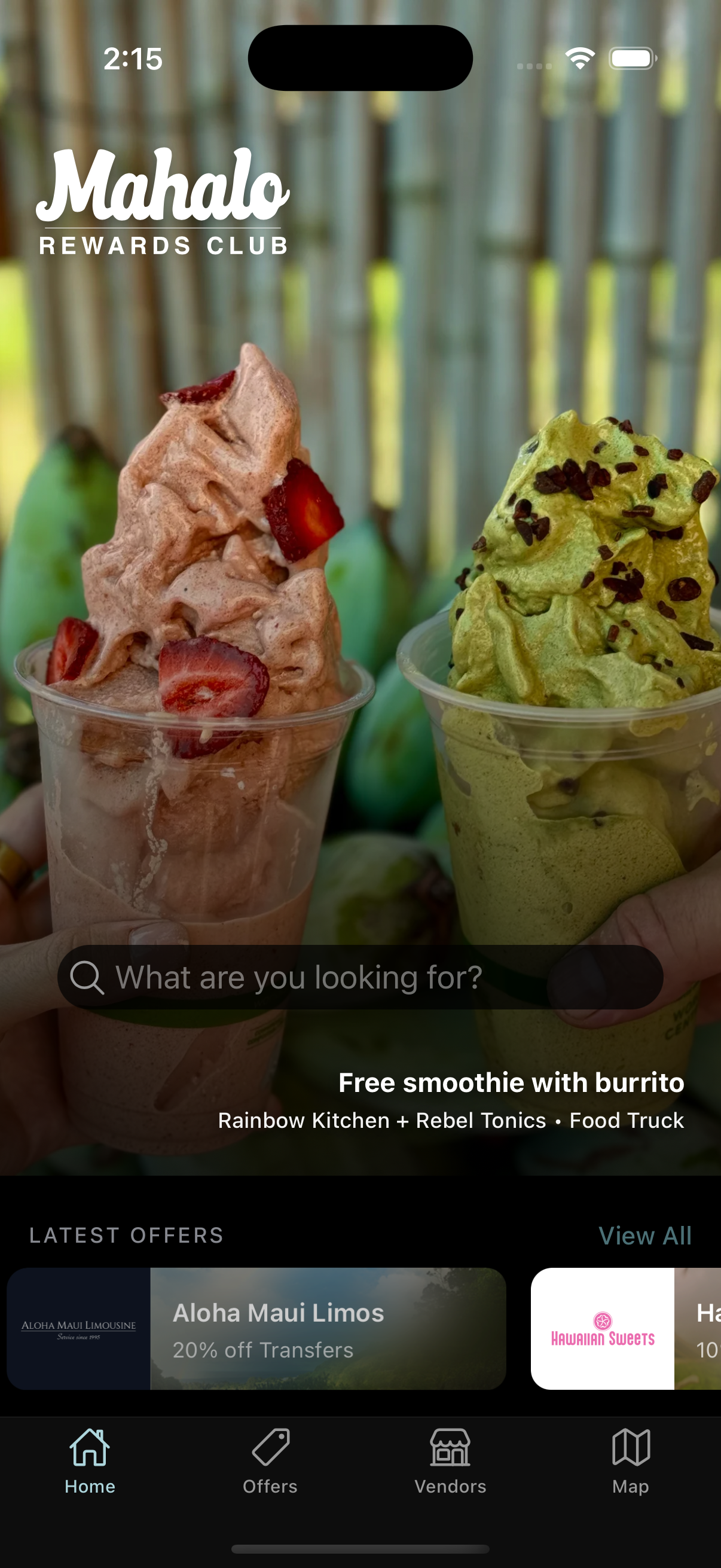
Launch the Mahalo Rewards app from your home screen. You'll see the main dashboard with all available features and your current rewards status.
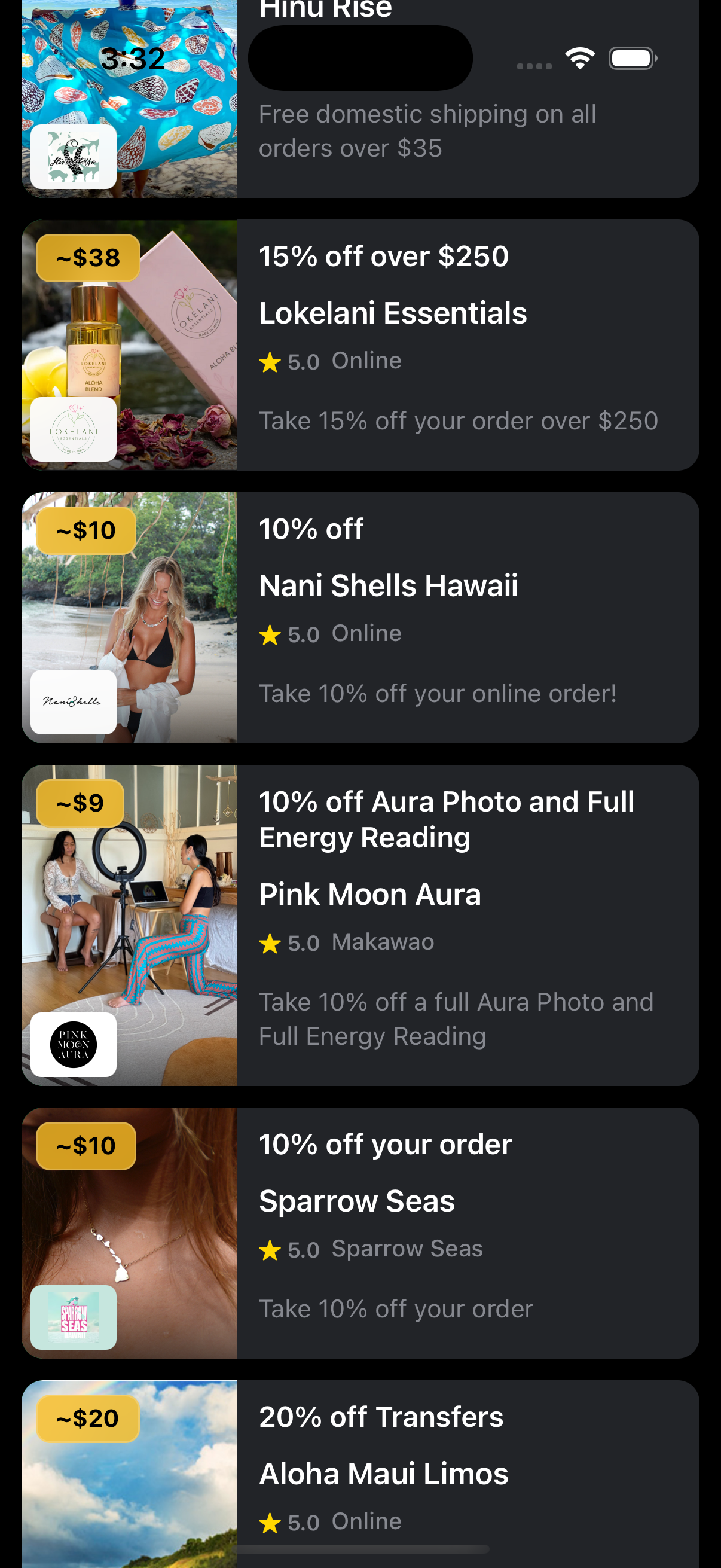
Navigate to the Offers section to view all current deals from local businesses. Browse through available offers and find one that interests you.
Tap on an offer to see the full details, including terms and conditions, expiration date, and how to redeem. Review carefully before activating.
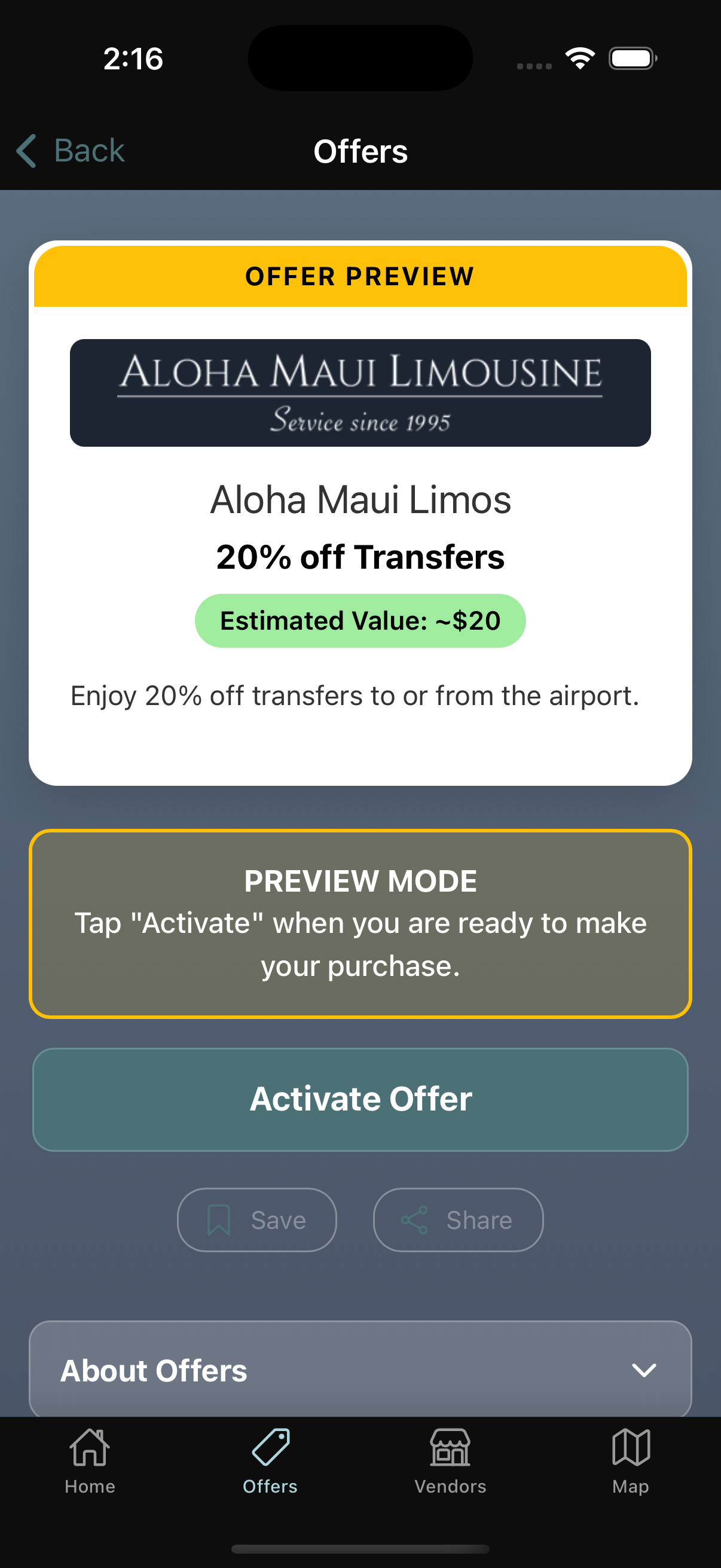
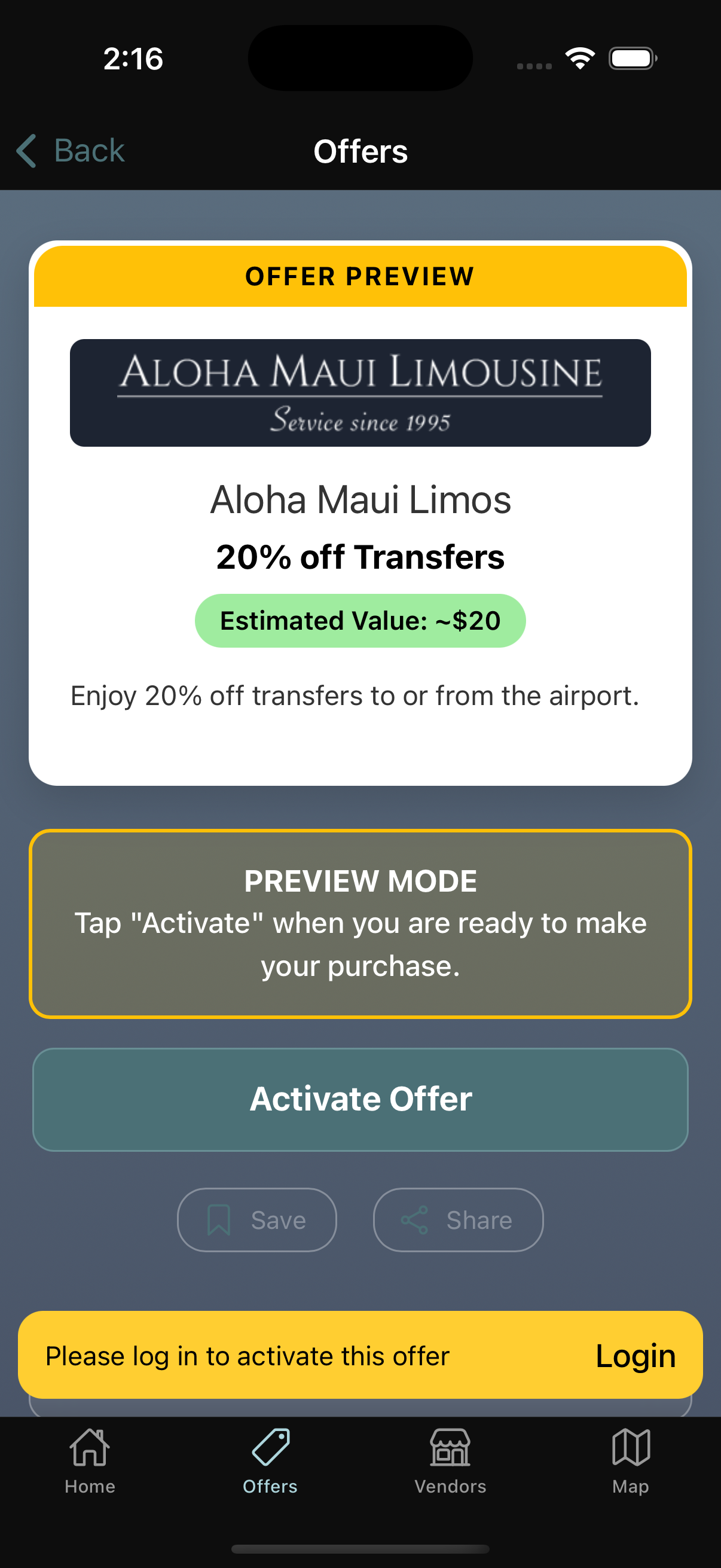
If you're not already logged in, you'll be prompted to sign in before activating an offer. This ensures your rewards are properly tracked.
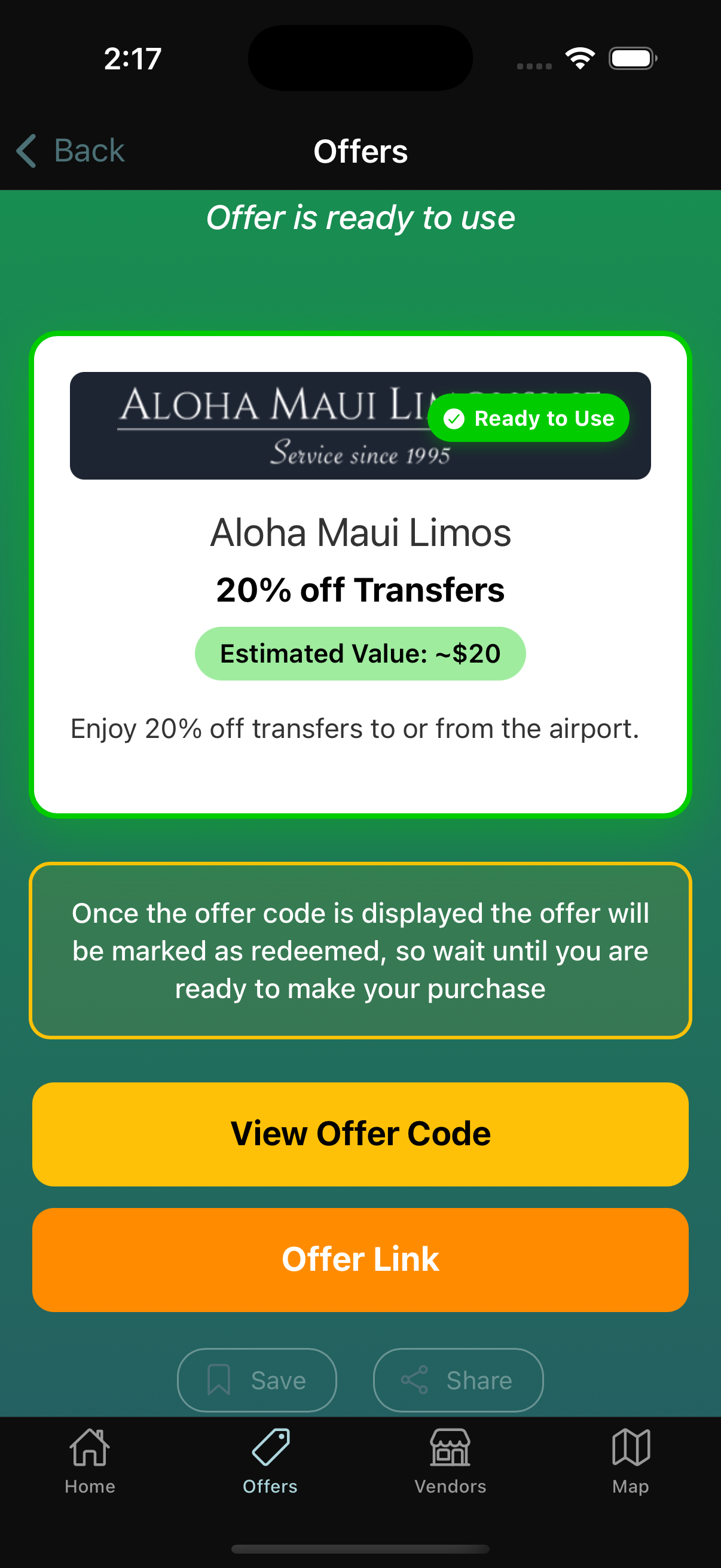
When you arrive at the business, tap Activate. The app verifies your location first. The offer displays differently based on your membership — Kama'āina (residents) and visitors see their applicable discount.
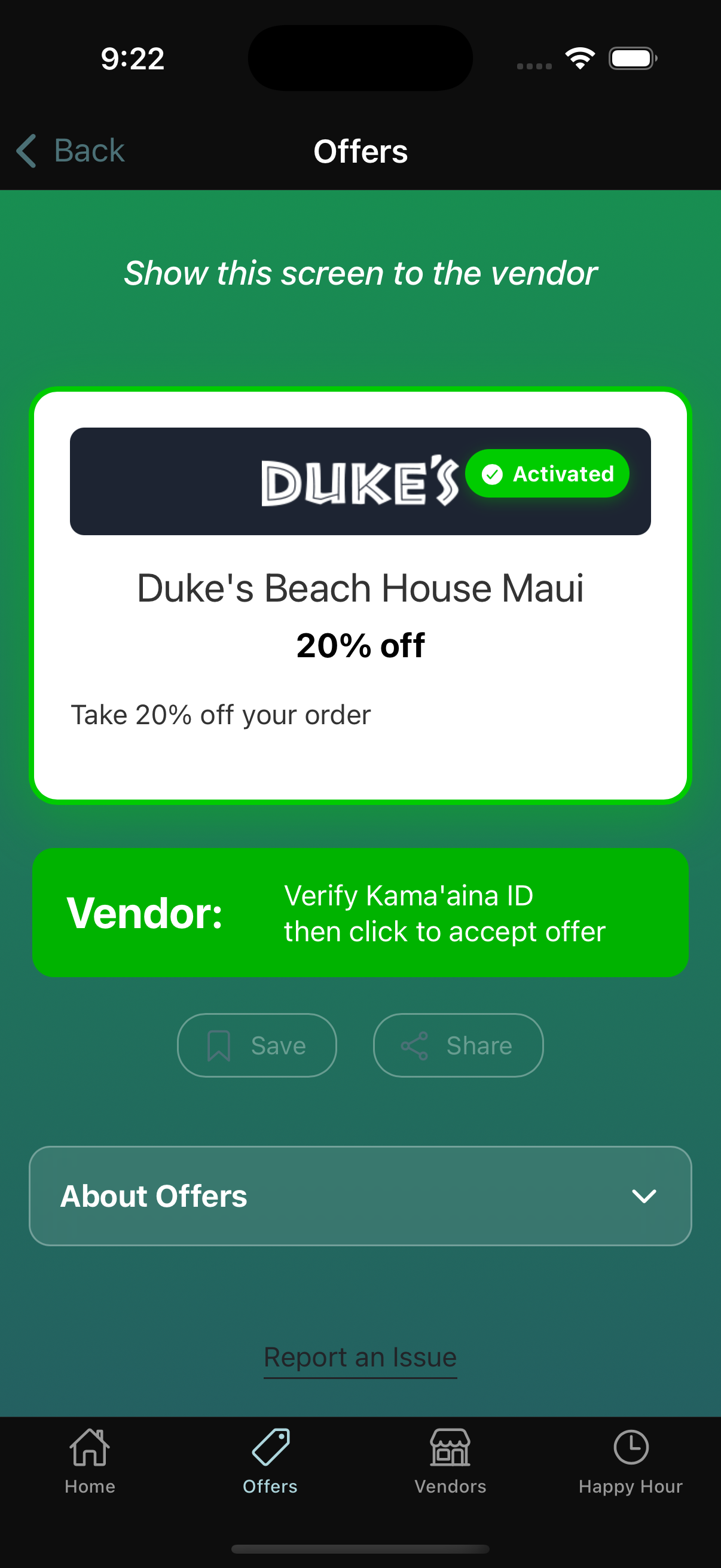
Kama\u02bbāina Offer
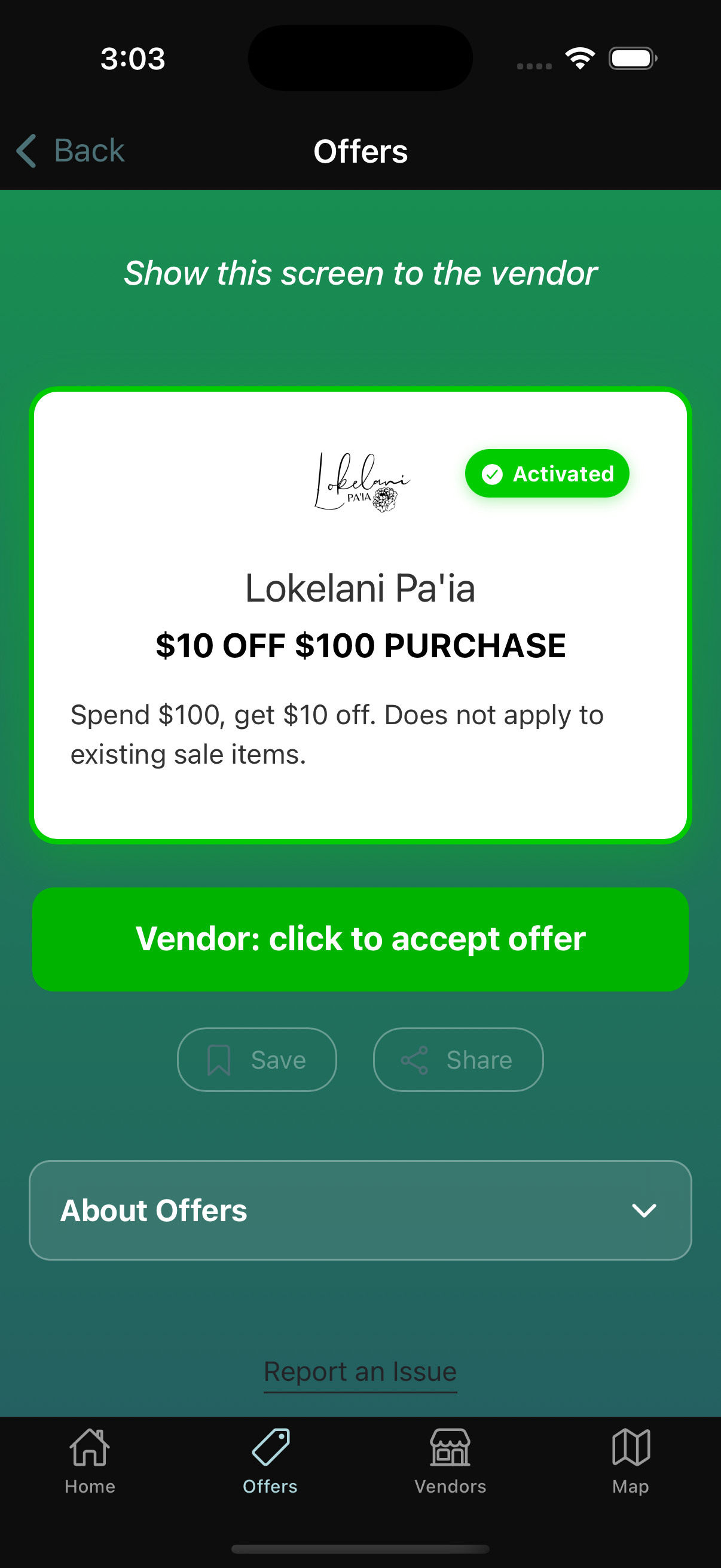
Visitor Offer
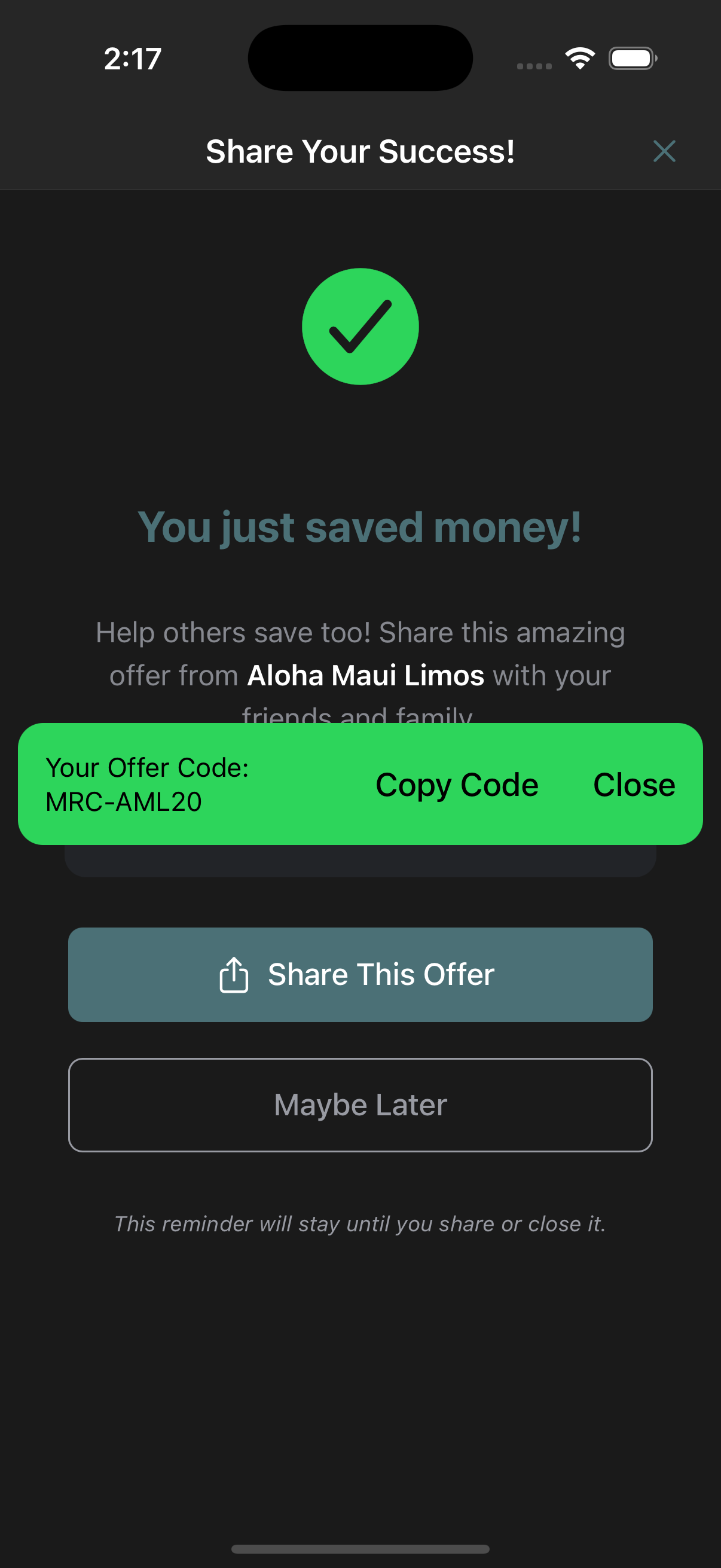
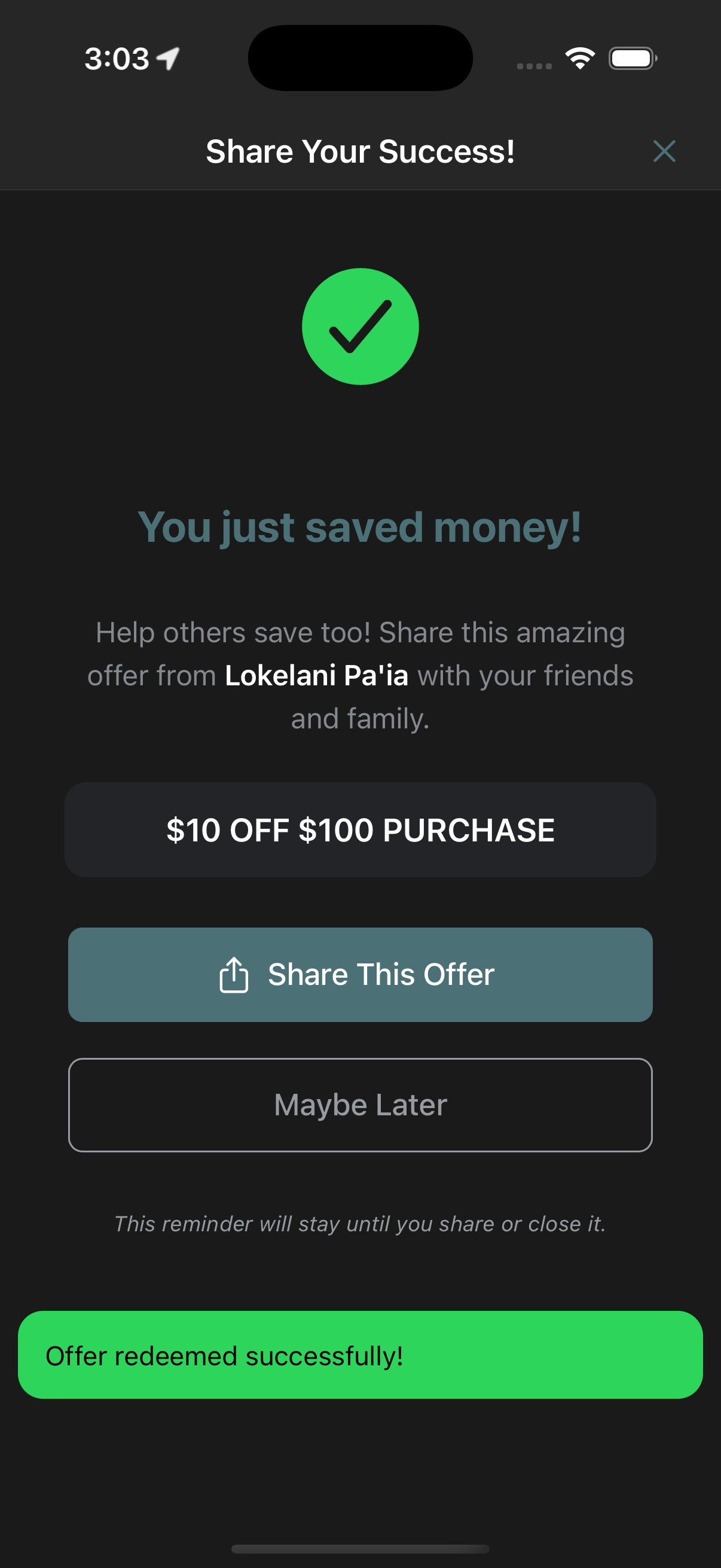
Present your activated offer to the cashier or staff member. Once they verify and apply the offer, it will be marked as redeemed in your app.
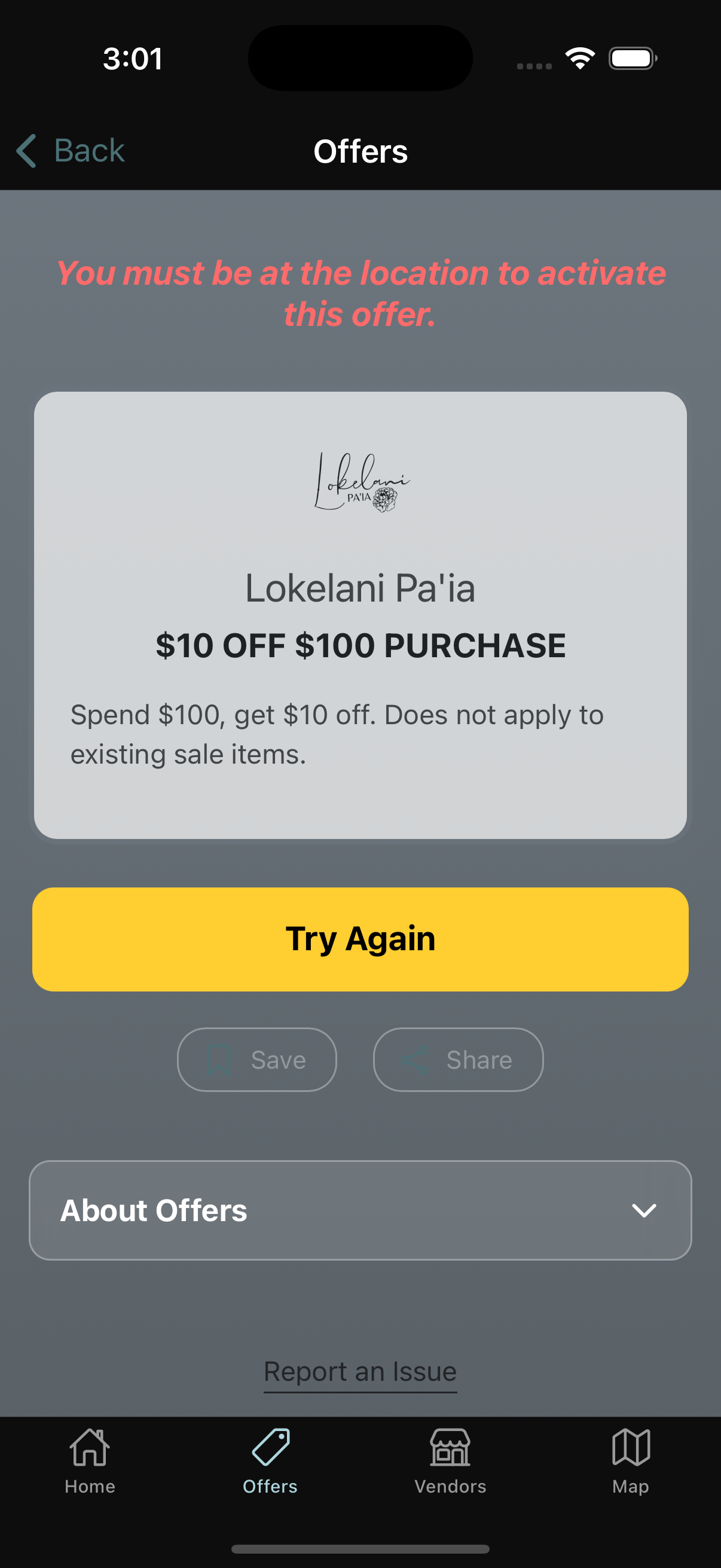
If you see a location error message, try these steps:
Our support team is here to help with any issues redeeming offers.
Contact SupportDownload the free Mahalo Rewards app and unlock exclusive deals at Maui's best local restaurants, activities, and shops.